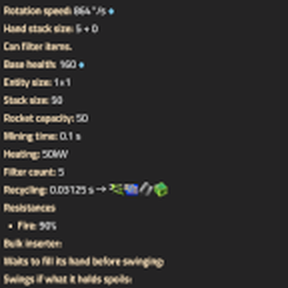
Sure. As in the tooltip is just so utterly big that "overflows" the screen size.
Example: Let's say that you have the mods AAI Programmable Vehicles, and some mods that add vehicles to the game.
AAI Programmable Vehicles adds what I understand are 2 extra prototypes per "base" vehicle prototype. So every vehicle shown on the tooltip for personal equipment (like the personal battery, personal roboport...) that can also go on equipment grids on vehicles basically triplicates it's size (since instead of, let's say, 5 vehicles, now there's 15 + armors, etc) (refering to the Placed in equipment grid -> Placed in: ... section on the tooltip) and it's just so big that the tooltip windows just "overflow" the game's (factorio's) window.
That's what I asked in my original question. If this happens, and there's some kind of important info (like a battery's current energy) on the bottom of the tooltip, is there any way to reach the bottom? Using shift + mouse scroll wont work, and changing the interface size of the game kinda works but depending on the mods installed it won't since there's too many vehicles. Using alt + click to open it in the factoriopedia won't work neither because it doesn't show that specific item's stats, but the "prototype's" afaik (in the battery's case, show the battery capacity, not the clicked battery's current energy level).
Sorry if this sounds too obtuse. Let me know if you need me to reparaphrase this.